Help & shortcuts
/ade/dashboard/help
Help & docs gathers the guides, the release notes, the keyboard shortcuts and the way to ask for help in one page. Click Help & docs at the foot of the sidebar to open it from any page.
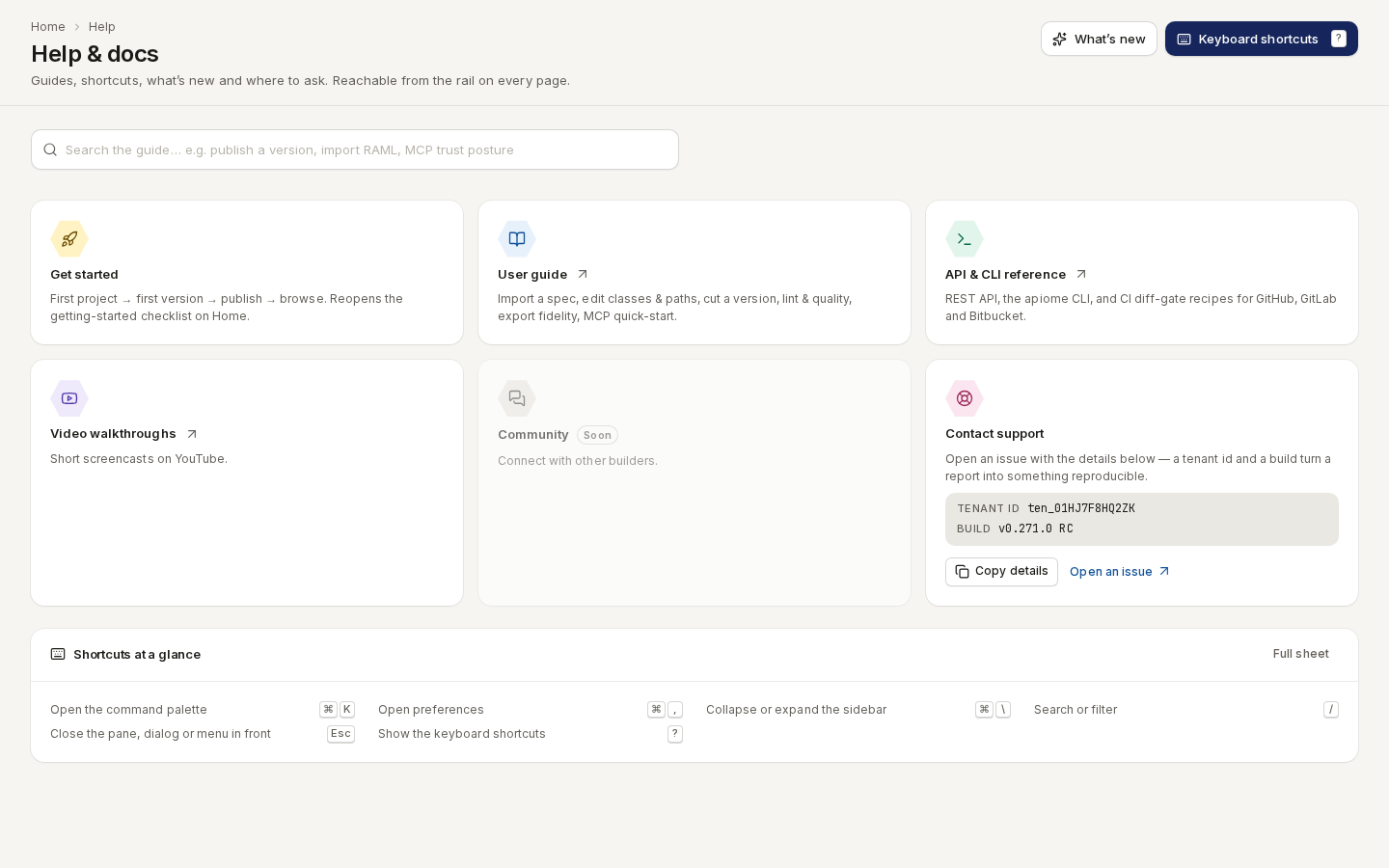
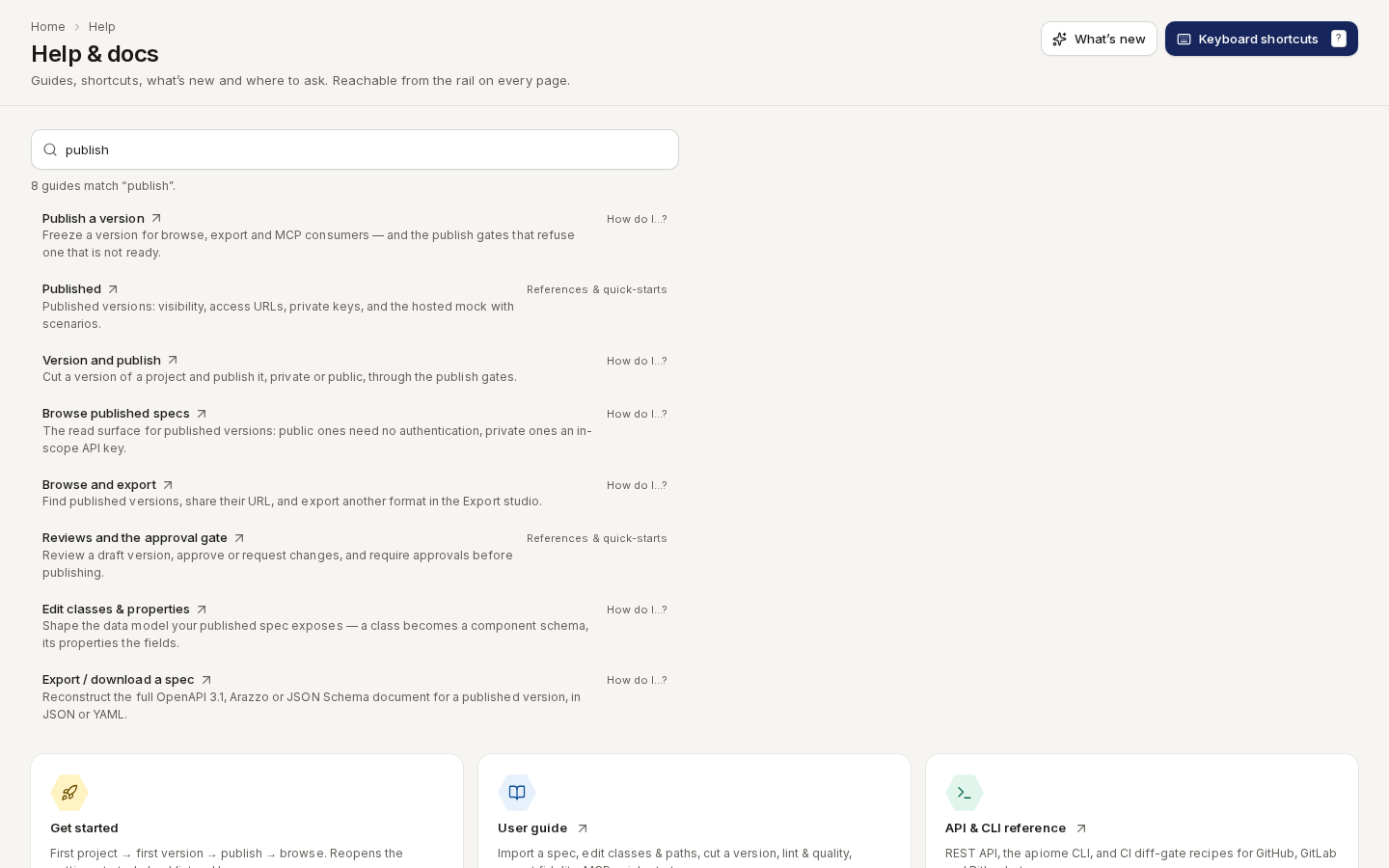
/ade/dashboard/helpSearch the guide
Type into “Search the guide…” — a task works as well as a title: publish a version, import RAML, MCP trust posture. Results appear as you type, with a count (8 guides match “publish”). Each one shows its title, a one-line summary and its section — How do I…? for the steps a specification travels, References & quick-starts for everything else — and opens the page on this site in a new tab. Every word you type has to match, so adding a word narrows the list.
/ade/dashboard/helpThe help cards
| Card | Does |
|---|---|
| Get started | Reopens the getting-started checklist on Home — first project, first version, publish, browse — even if you dismissed it |
| User guide | Opens this site |
| API & CLI reference | Opens the API reference, the CLI and the CI diff-gate recipes |
| Video walkthroughs | Opens the short screencasts on YouTube |
| Community | Marked Soon; not available yet |
| Contact support | Shows your Tenant id and the Build — “Copy details” copies both, “Open an issue” opens a new GitHub issue to paste them into |
Include the tenant id and the build in any report: together they make a problem reproducible.
What's new
Click “What’s new” at the top of the page to read the release notes for this build. The same notes open from What's new in your user menu and from the build string at its foot; a dot on your avatar means there are notes you have not read yet.
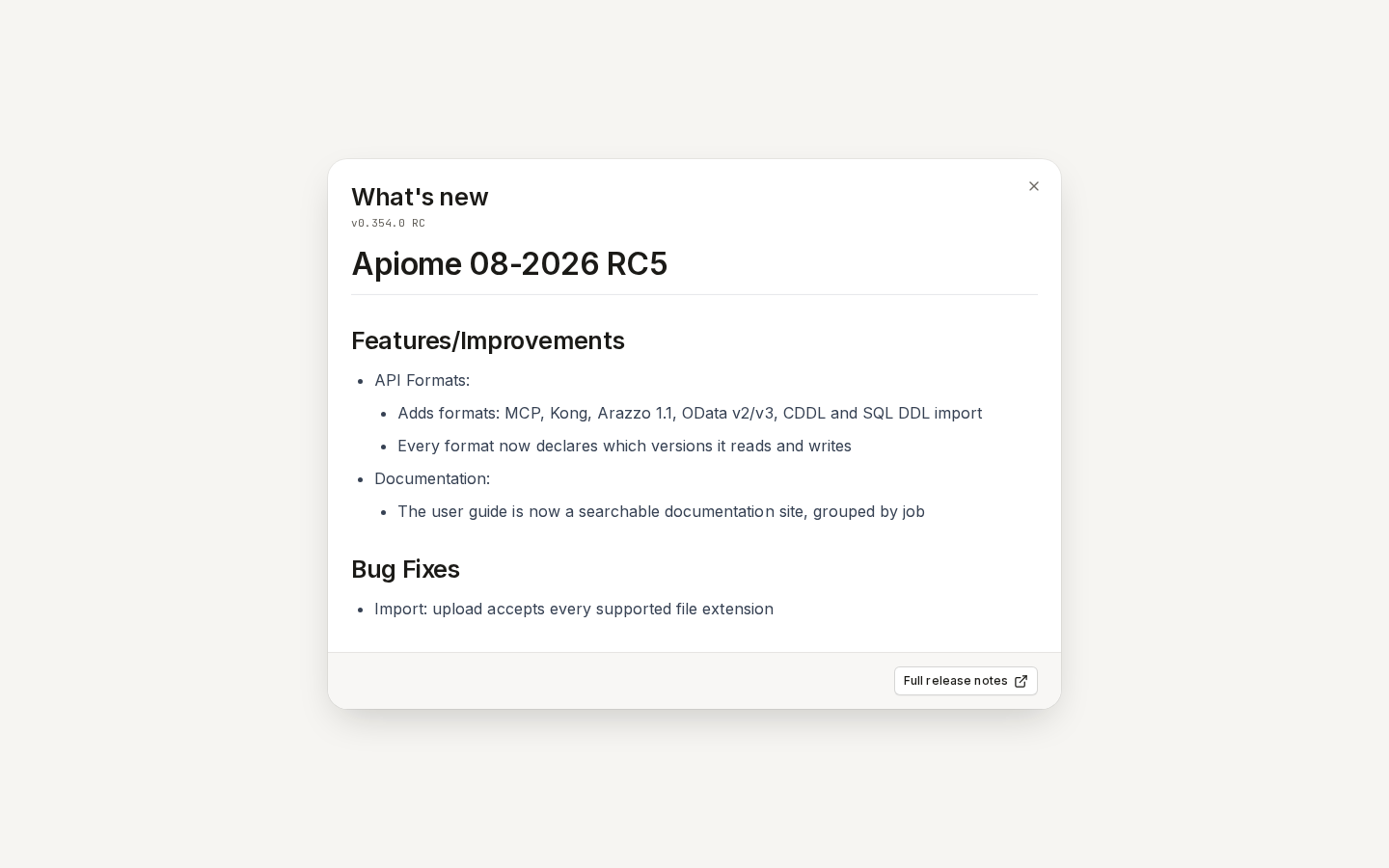
/ade/dashboard/helpClick “Full release notes” at the foot of the dialog to open the release notes on this site in a new tab. They hold a post for every release candidate — the same notes plus every REST API change, with links to the issues — and an Unreleased post for what has landed since the last one.
Keyboard shortcuts
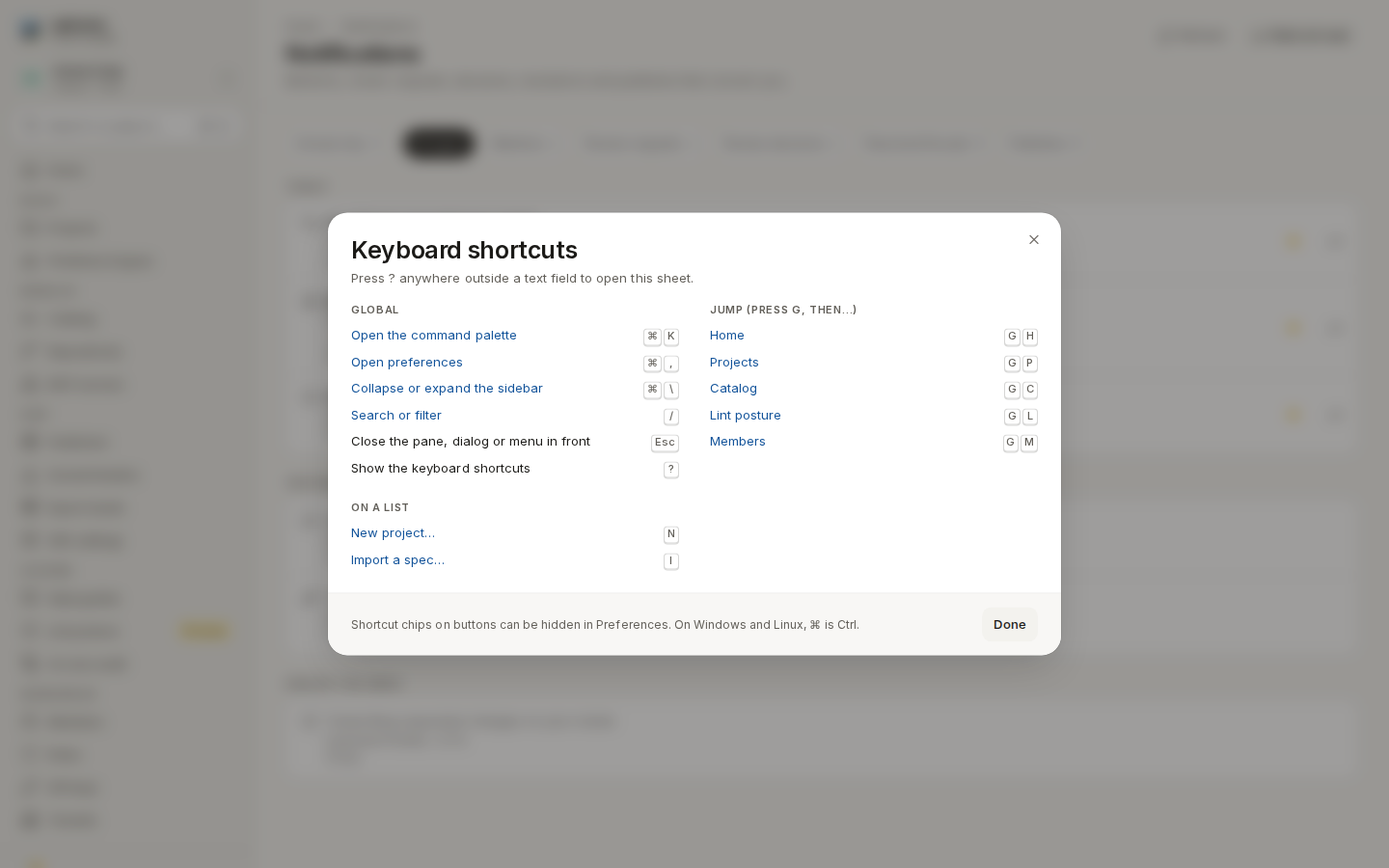
Press ? anywhere outside a text field, click “Keyboard shortcuts” on this page or “Full sheet” under Shortcuts at a glance, or choose Keyboard shortcuts in your user menu. The sheet lists only what works on the screen behind it — a list page has rows a detail page does not — grouped as Global, Jump (press G, then…), On a list, Dialogs and wizards and On this page. Click a row to run it.
/ade/dashboard| Keys | Does |
|---|---|
| Ctrl / ⌘+K | Open the command palette |
| Ctrl / ⌘+, | Open Preferences |
| Ctrl / ⌘+\ | Collapse or expand the sidebar |
| / | Search or filter |
| ? | Show the keyboard shortcuts |
| Esc | Close the pane, dialog or menu in front |
| G then H · P · C · L · M | Go to Home, Projects, Catalog, Lint posture or Members |
| N · I | On a list: new item, import |
| ↑ ↓ · ↵ · X · . | On a list: move between rows, open, select, reach the row's actions |
Single-key shortcuts never fire while you are typing in a field. On Windows and Linux, read ⌘ as Ctrl. The chips on buttons can be hidden with Show keyboard hints in Preferences; the shortcuts keep working.
Keyboard has the keyboard path for every task.
The command palette
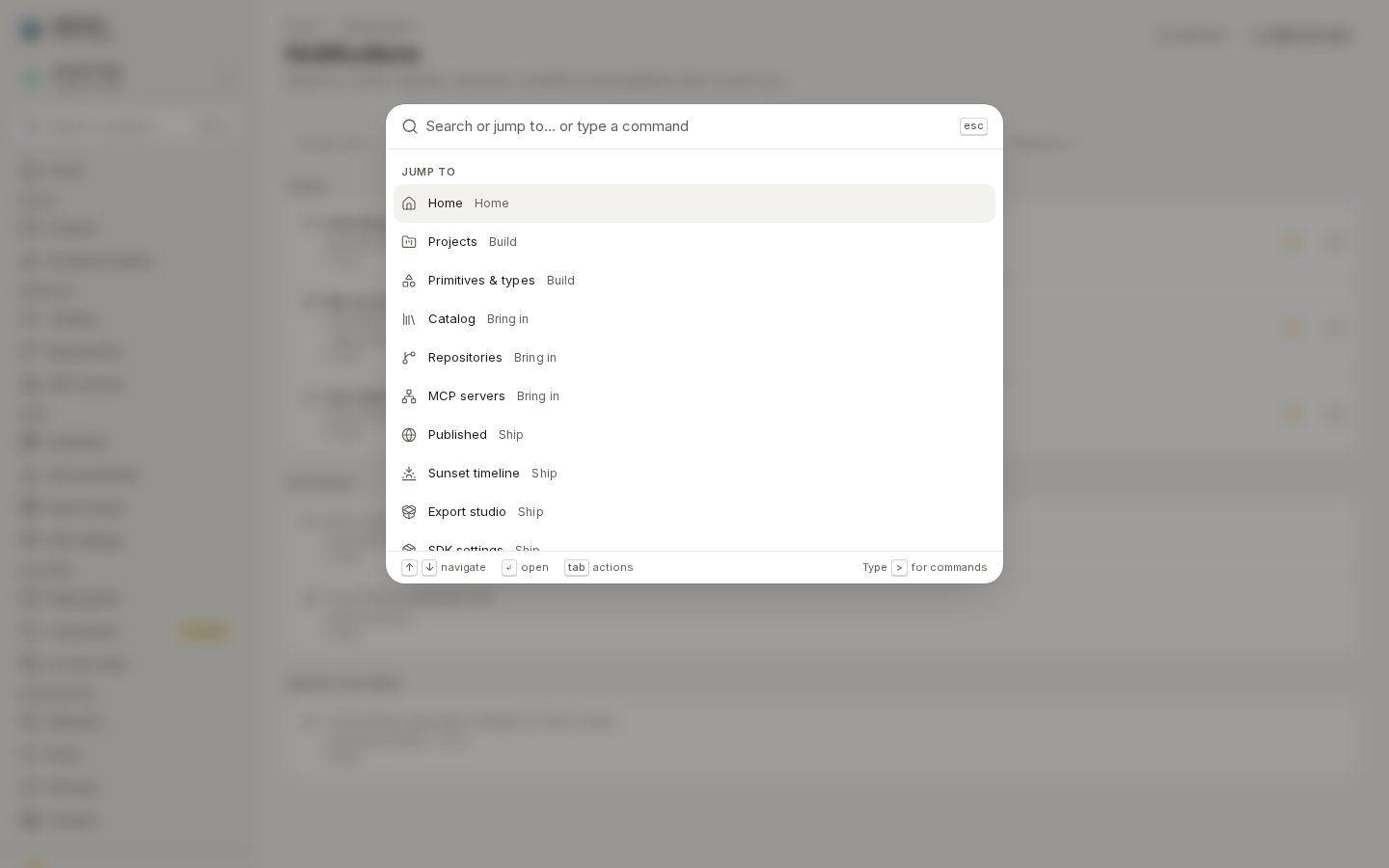
Press Ctrl / ⌘+K or click “Search or jump to…” at the top of the sidebar. Type to filter, ↑ ↓ to move, ↵ to open. Jump to lists every destination; Tab switches to Actions (such as New project…, Import a spec…, Create API key…, Change theme…), and typing > first searches commands only. Esc closes it and returns focus where it was.
/ade/dashboard