Reviews and the approval gate
/ade/reviews/[id]
A review asks named reviewers to approve a draft version before it is published. A style guide's approval gate can make that mandatory: publishing is refused until the current review round has enough approvals.
/ade/reviews/[id]Turn on the approval gate
The gate is part of a style guide's Policy, so it applies to every project scored by that guide.
- Go to Govern → Style guides, open the guide and choose the Policy tab.
- Under Review approvals, set Required approvals — for example
2. Zero turns the gate off. - Optionally choose a Required reviewer role, for example Release Manager: at least one approval must come from it. Workspace administrators count as Owner.
- Click “Save”.
Request a review
A review is requested over the REST API — there is no button for it in the app yet. Only a draft version can be reviewed, it can have one open review at a time, and you cannot review your own version:
POST /v1/tenants/{tenant}/projects/{project}/reviews
X-API-Key: <your-api-key>

{ "version": "2.4.0", "reviewers": ["<user-id>", "<user-id>"] }
Each reviewer is notified (Priya Raman requested your review) and sees it under Needs attention on Home. The version then carries an In review pill on Versions and Projects that opens the review.
Review a version
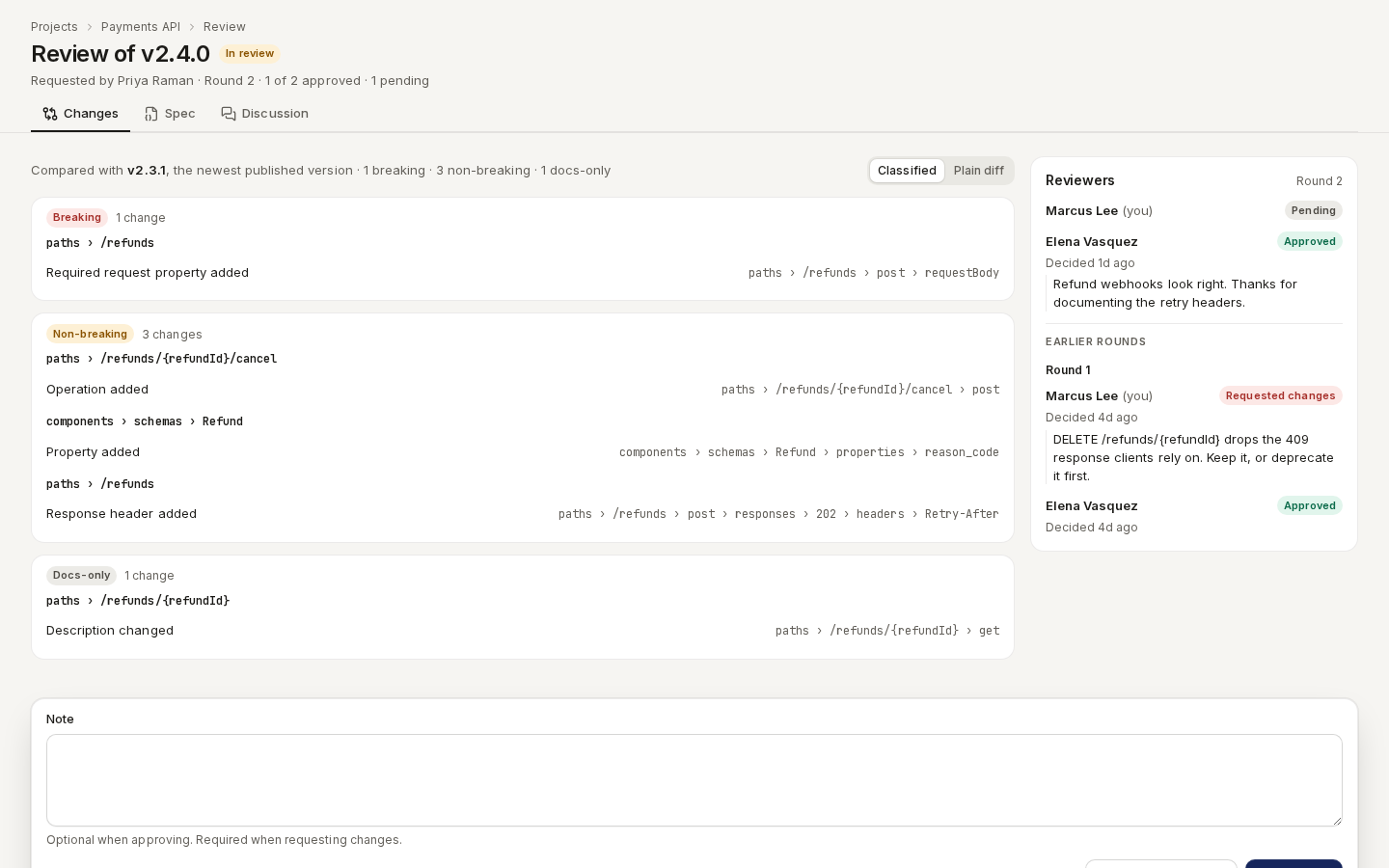
Open the review from the notification, the pill or Home. The header reads Review of v2.4.0 with its state and a tally — Requested by Priya Raman · Round 2 · 1 of 2 approved · 1 pending.
- Changes — what changed since the newest published version, grouped as Breaking, Non-breaking and Docs-only. Plain diff switches to a line diff.
- Spec — the whole document, as JSON or YAML.
- Discussion — the version's comment threads.
- Reviewers — each reviewer's decision and note, this round and earlier ones.
Then decide:
- Optionally type a Note — it is required to request changes.
- Click “Approve” or “Request changes”.
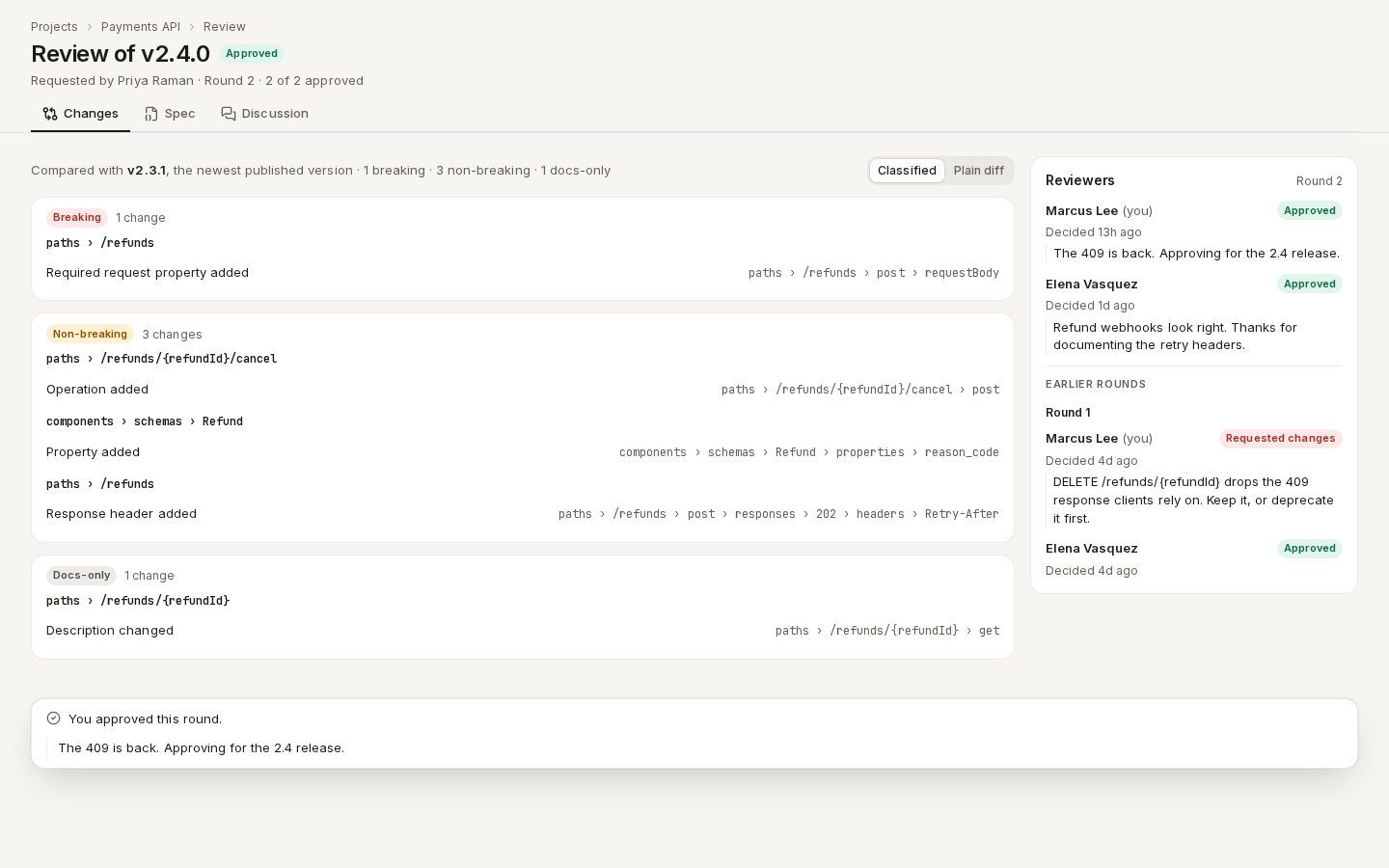
/ade/reviews/[id]A decision cannot be changed. The requester is notified (Marcus approved your review).
| State | Means |
|---|---|
| In review | Waiting for decisions. |
| Approved | Every reviewer in the round approved. |
| Changes requested | At least one reviewer requested changes; the round is decided. |
| Withdrawn | The requester or an administrator withdrew it; its decisions stay on record. |
Address changes and re-request
If changes are requested — or the version changes after the round was requested, which makes its approvals stale — fix the version, then start a new round:
POST /v1/tenants/{tenant}/projects/{project}/reviews/{review_id}/re-request
Approvals from earlier rounds do not carry over. …/withdraw withdraws the review.
Publish through the gate
The Publish dialog on Versions shows a Review card with the round's state; it never disables Publish itself.
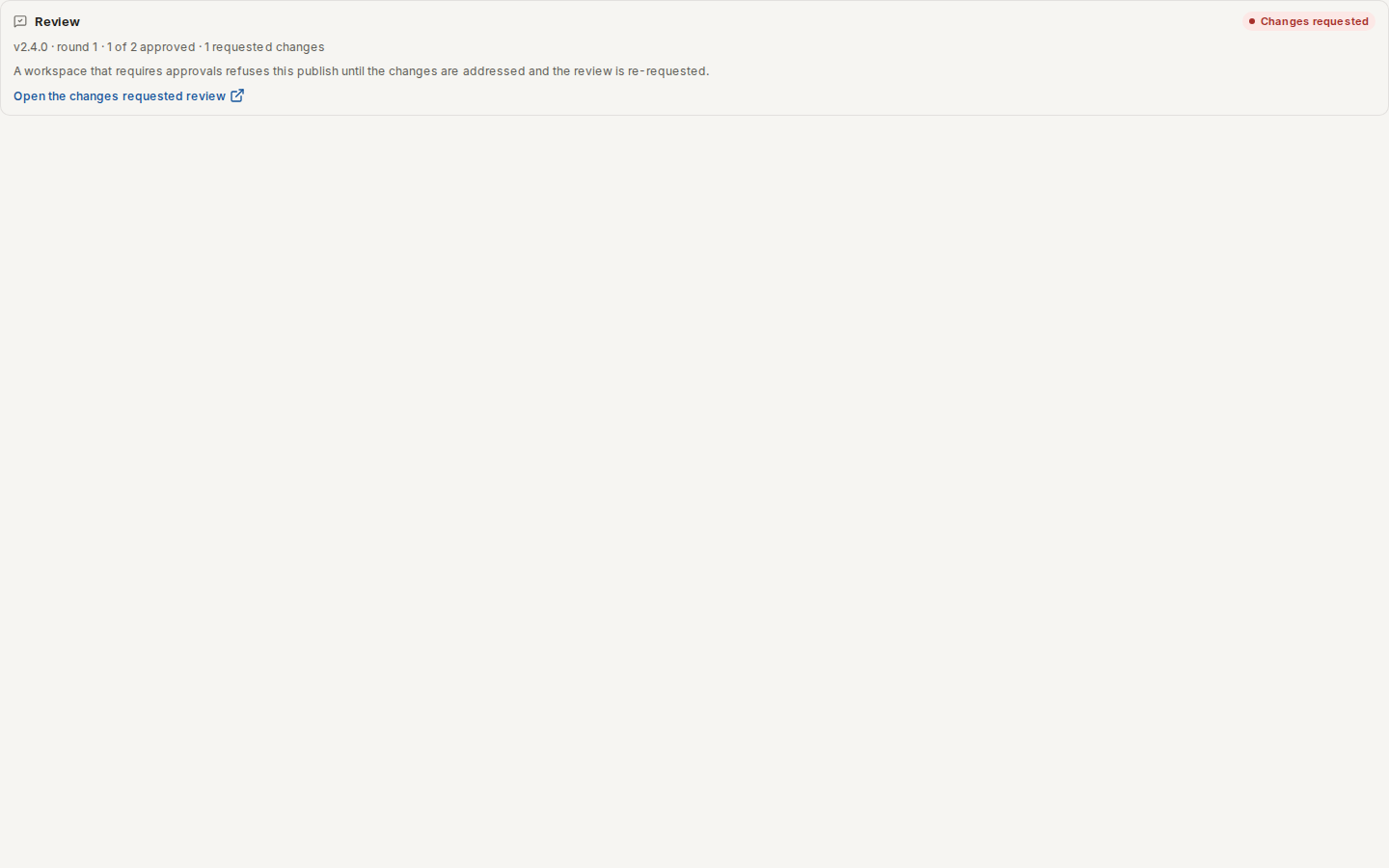
/ade/dashboard/versionsWhen the gate is not met, publishing is refused with the reason, for example:
- This version has no open review, and 2 approval(s) are required before it can be published.
- 1 of 2 required approval(s) recorded on this version.
- None of the 2 approval(s) came from a reviewer with the 'release-manager' role, which this project's approval policy requires.
Collect the approvals, relax the policy, or — as a last resort — tick Force publish (ignore validation errors) and give a Force publish reason, which is recorded in the audit trail.
With the API
GET / POST /v1/tenants/{tenant}/projects/{project}/reviews, GET …/reviews/{id},
POST …/reviews/{id}/decision (approve or request_changes, with an optional note),
…/re-request, …/withdraw, and GET …/versions/{version}/review. Review events are in the workflow
audit, GET /v1/tenants/{tenant}/workflow-audit?version_id=…. See the
API reference. There is no CLI command for reviews.