The admin console
/admin
The admin console is where the operator of an Apiome installation manages everything that
spans workspaces: user accounts and signups, tenants, licenses, feature flags, property templates
and the sign-in providers. It is separate from the app — it has its own password, its own session
and its own sidebar — and nobody reaches it from the app's rail. Browse to /admin on the
apiome-ui host.
Sign in
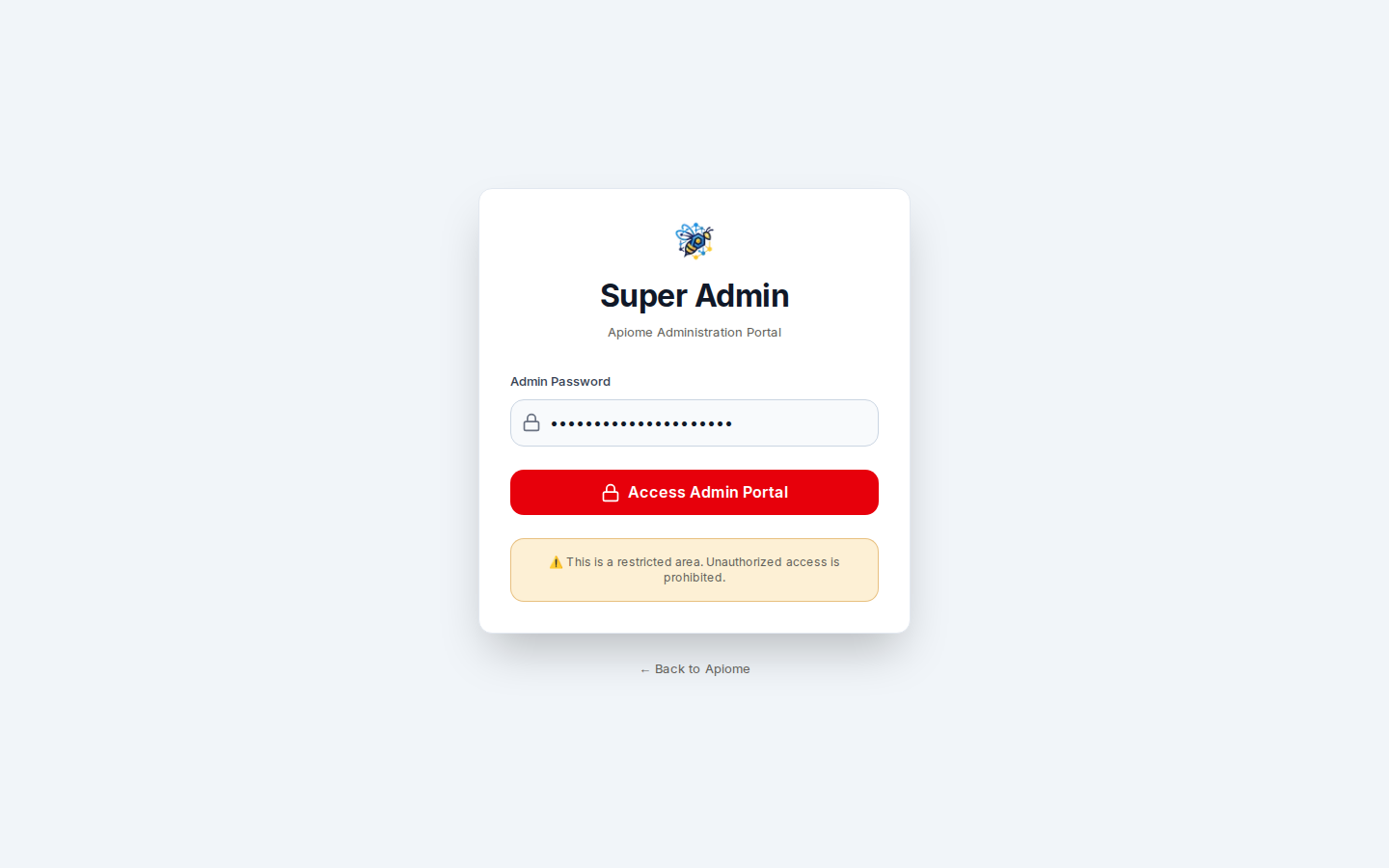
/admin- Browse to
/admin. With no session, the Super Admin card opens. - Type the admin password in Admin Password — the value of
ADMIN_PASSWORDin the apiome-ui environment. - Click “Access Admin Portal”. The console opens on the Overview.
A wrong password reads Invalid password. After 5 failed attempts from the same address in
15 minutes, sign-in is refused for 15 minutes with Too many failed attempts. Try again later. If
ADMIN_PASSWORD is not set at all, every attempt fails with Admin password not configured — the
console cannot be opened.
The session
Signing in sets an admin_session cookie: HTTP-only, same-site strict, secure in production, and
signed with HMAC-SHA256. It lasts 8 hours from sign-in, whatever you do in the meantime, and a
cookie that was not issued by the server is refused. Click “Sign out” at the foot of the sidebar
to end it early.
| Variable | Required | What it does |
|---|---|---|
ADMIN_PASSWORD | yes | The one admin password. There are no individual admin accounts. |
ADMIN_SESSION_SECRET | recommended | The key that signs the session cookie. When unset, a key is derived from ADMIN_PASSWORD, so changing the password also ends every open session. Generate one with openssl rand -base64 48. |
Set both in apiome-ui/.env, and the same values in apiome-rest/.env (under Docker,
docker-compose.yml passes them to both services from the compose .env). apiome-rest checks the
session a second time for Sign-in providers; if its copy is missing or
different, that screen answers with a 403 even though you are signed in. See
Operating Apiome for the rest of the environment.
The sidebar
The sidebar, headed Super Admin · Apiome Console, lists Overview and, under Management:
| Item | Page |
|---|---|
| Users | Accounts and the signup queue — Users |
| Tenants | Workspaces, their members and administrators — Tenants |
| Licenses | License tiers and what they grant — Licenses |
| Feature Flags | Flags and flag groups — Feature flags |
| Property Templates | Reusable property definitions — Property templates |
| Payments, Database, Monitoring | Not built yet: each opens a 404 — This page could not be found. |
| System settings | The sign-in providers — Sign-in providers |
The three Sidebar density buttons at the foot of the sidebar — Compact, Standard and Comfortable — set its row spacing; the choice is kept in this browser.
The Overview
Route/admin/dashboard
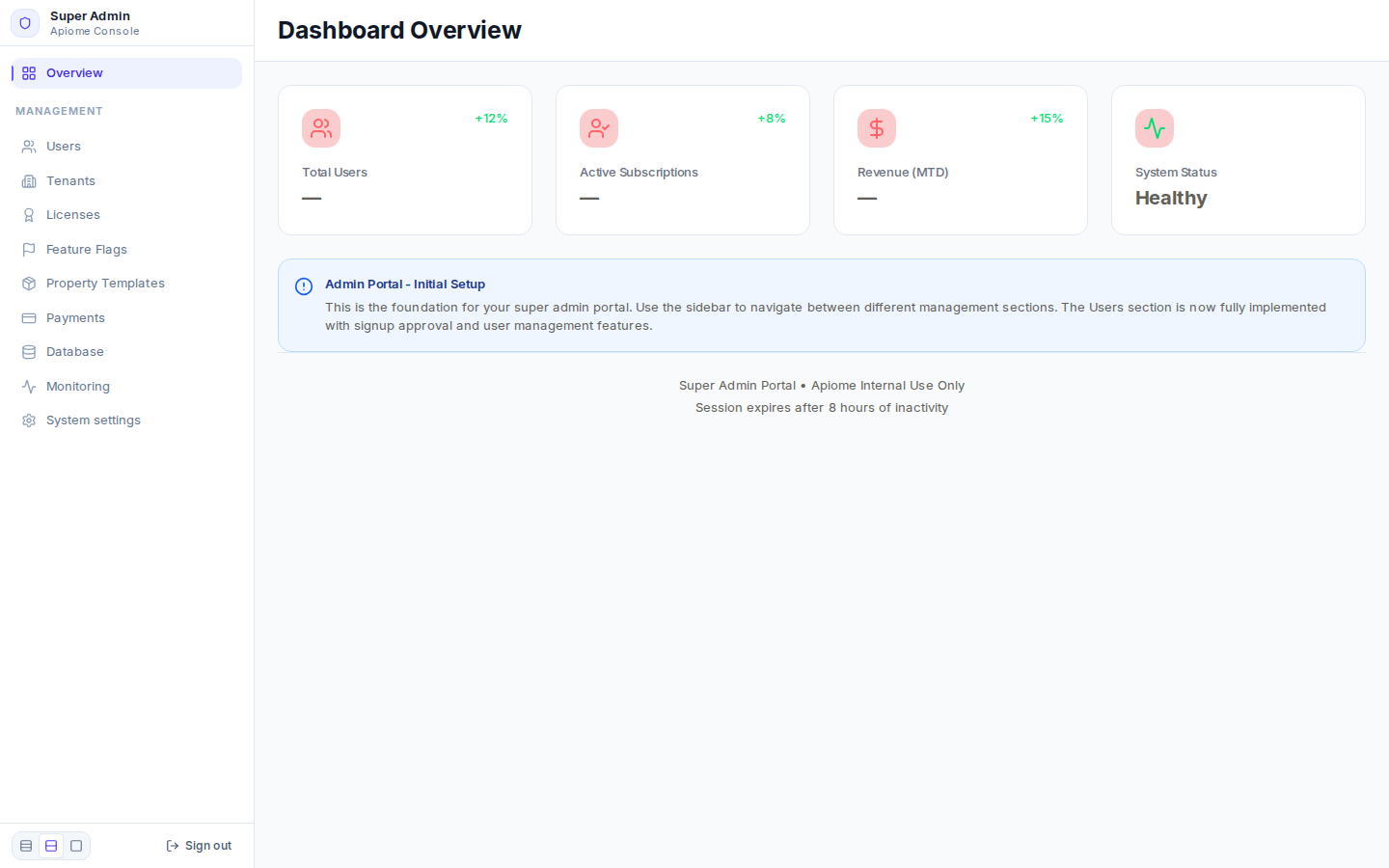
/admin/dashboardDashboard Overview is a placeholder. Its four cards — Total Users, Active Subscriptions, Revenue (MTD) and System Status — are not wired to data: the first three always read “—” beside a fixed trend, and System Status always reads Healthy. For real numbers, open Users, whose cards are live. The footer's Session expires after 8 hours of inactivity is approximate: the session ends 8 hours after sign-in, active or not.
With the API
The console's sign-in is a route of apiome-ui itself, not of the REST API:
| Route | Does |
|---|---|
POST /api/admin/auth | Checks {"password": "…"} and sets the session cookie |
DELETE /api/admin/auth | Signs out (clears the cookie) |
The management screens read and write the database through apiome-ui's server, and have no REST or
CLI equivalent. The exception is Sign-in providers, which apiome-ui forwards to
apiome-rest's /v1/admin/auth-providers — see the API reference.